Gold Master Kit
Mac guides
Mac App Store screenshot size (2026)
Mac App Store screenshots must be 16:10 and exactly 1280 × 800, 1440 × 900, 2560 × 1600 or 2880 × 1800 pixels. Use 2880 × 1800. Upload 1 to 10, as PNG or JPEG, with no transparency.
- Use this
- 2880 × 18001440 × 900 points on Retina
- Also accepted
- 2560 × 16001440 × 900, 1280 × 800
- Never
- 16:91920 × 1080 is refused
Source: Apple’s screenshot specifications.
The four sizes
| Pixels | Points on a Retina Mac | Notes |
|---|---|---|
| 2880 × 1800 | 1440 × 900 | Use this sharpest; App Store Connect shows it scaled down |
| 2560 × 1600 | 1280 × 800 | Retina, a little smaller |
| 1440 × 900 | 1440 × 900 | non-Retina |
| 1280 × 800 | 1280 × 800 | the smallest Apple accepts |
Only these four. 16:9 sizes such as 1920 × 1080 or 3840 × 2160 are refused, and so is any size that is not exactly one of them. There's no portrait size for Mac.
How to capture a Mac window at 2880 × 1800
A Retina display saves twice the points as pixels, so a window that is 1440 × 900 points becomes a 2880 × 1800 pixel image.
1. Size the window
Resize your app's window to exactly 1440 × 900 points. Replace MyApp with your app's name:
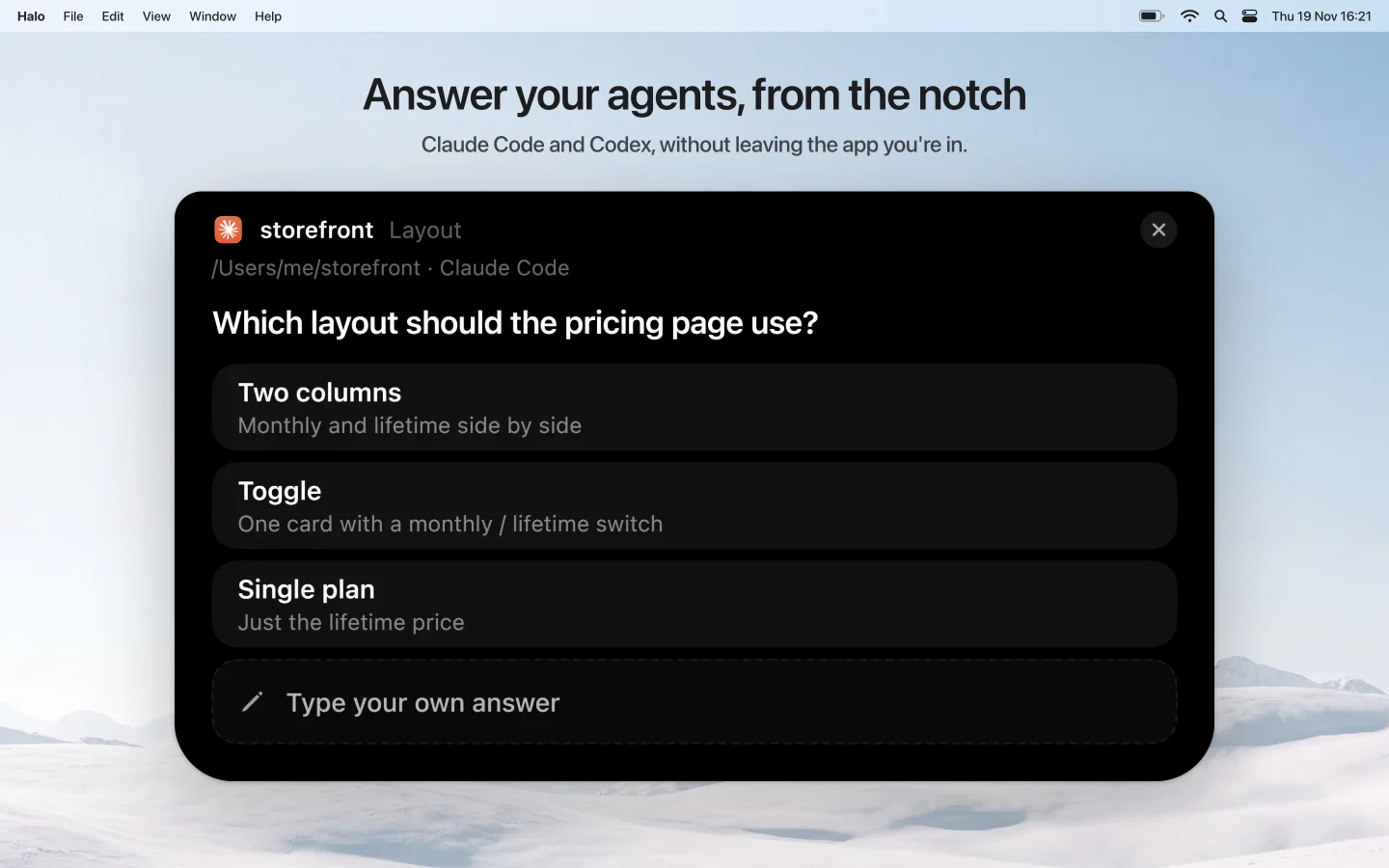
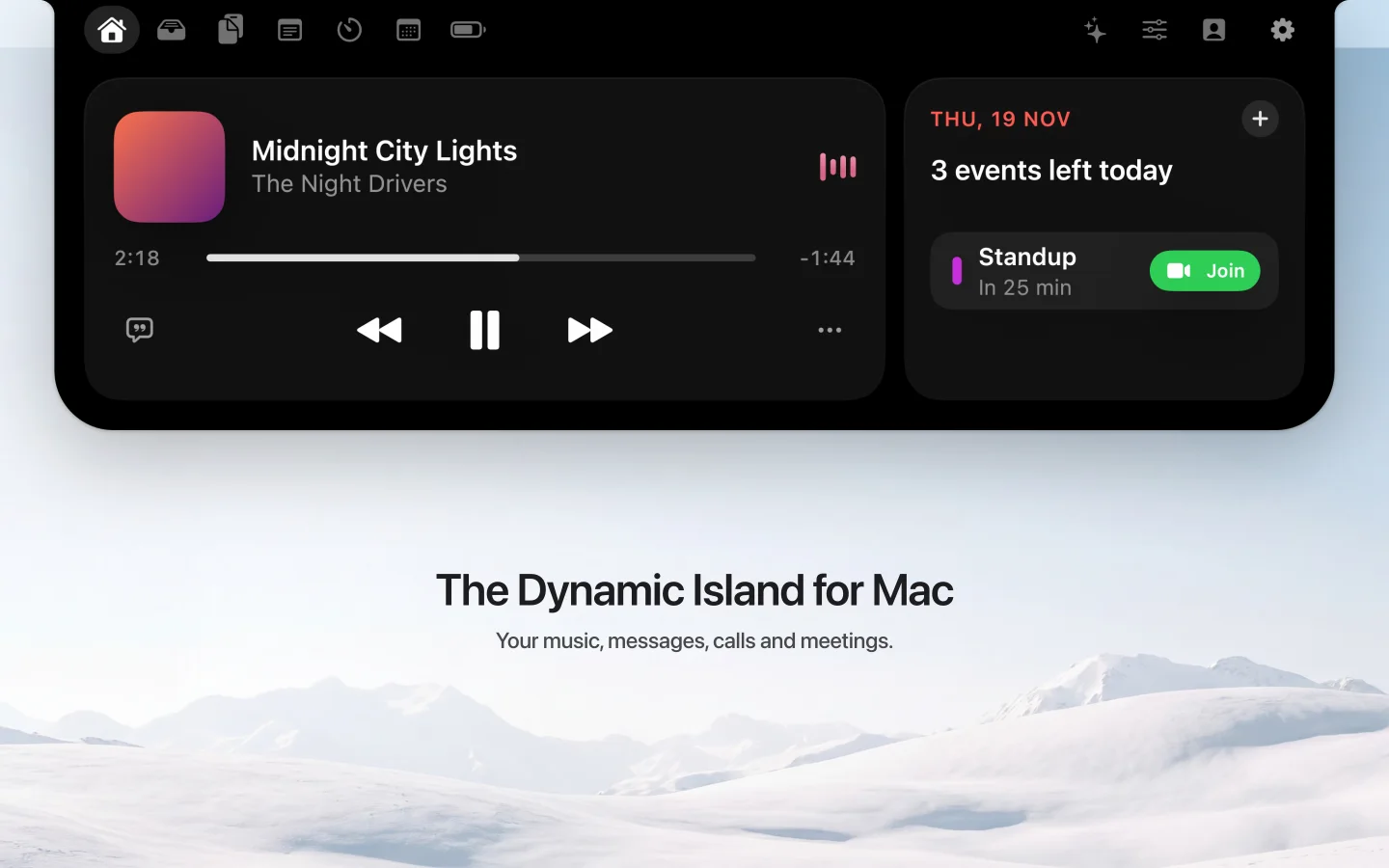
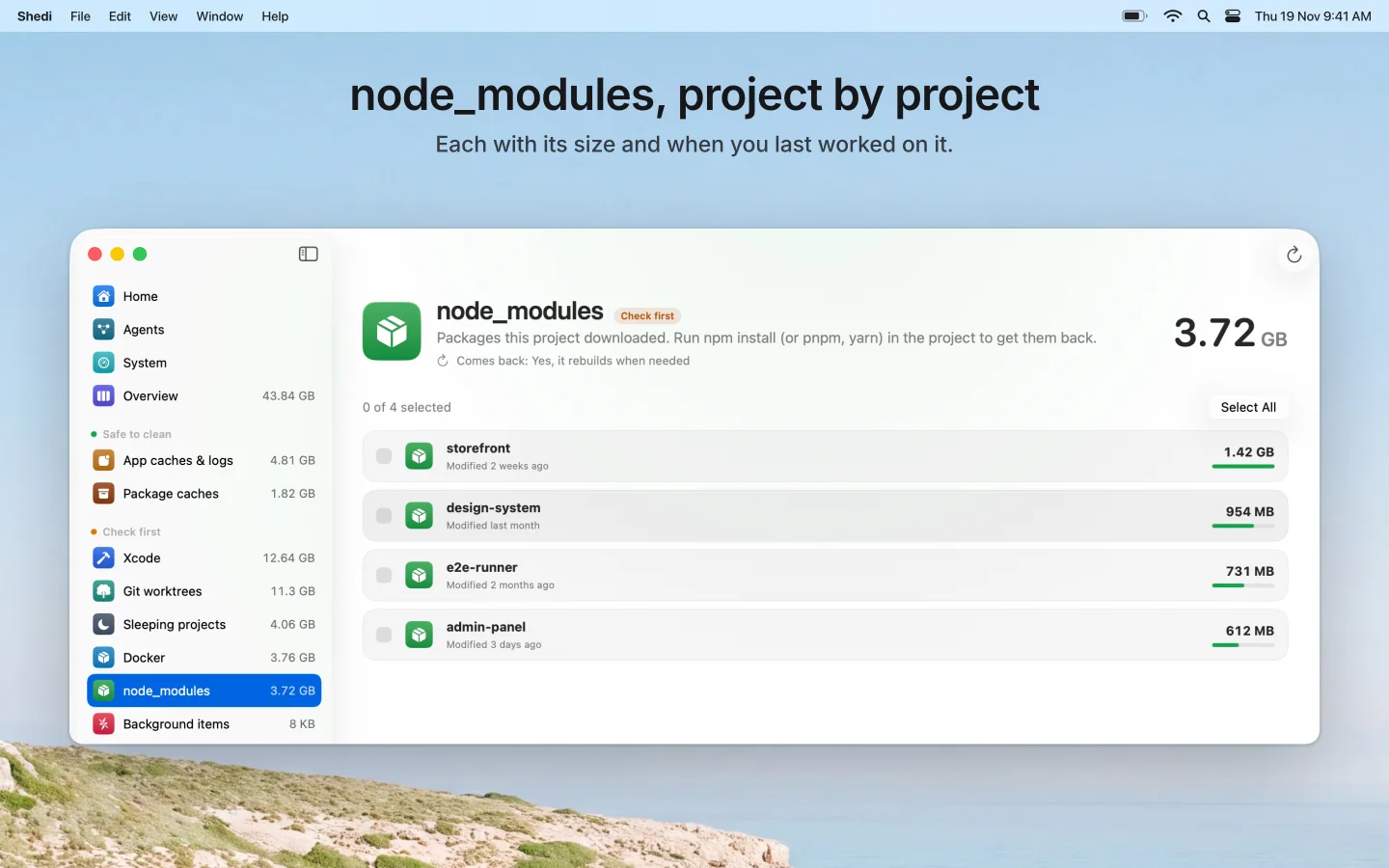
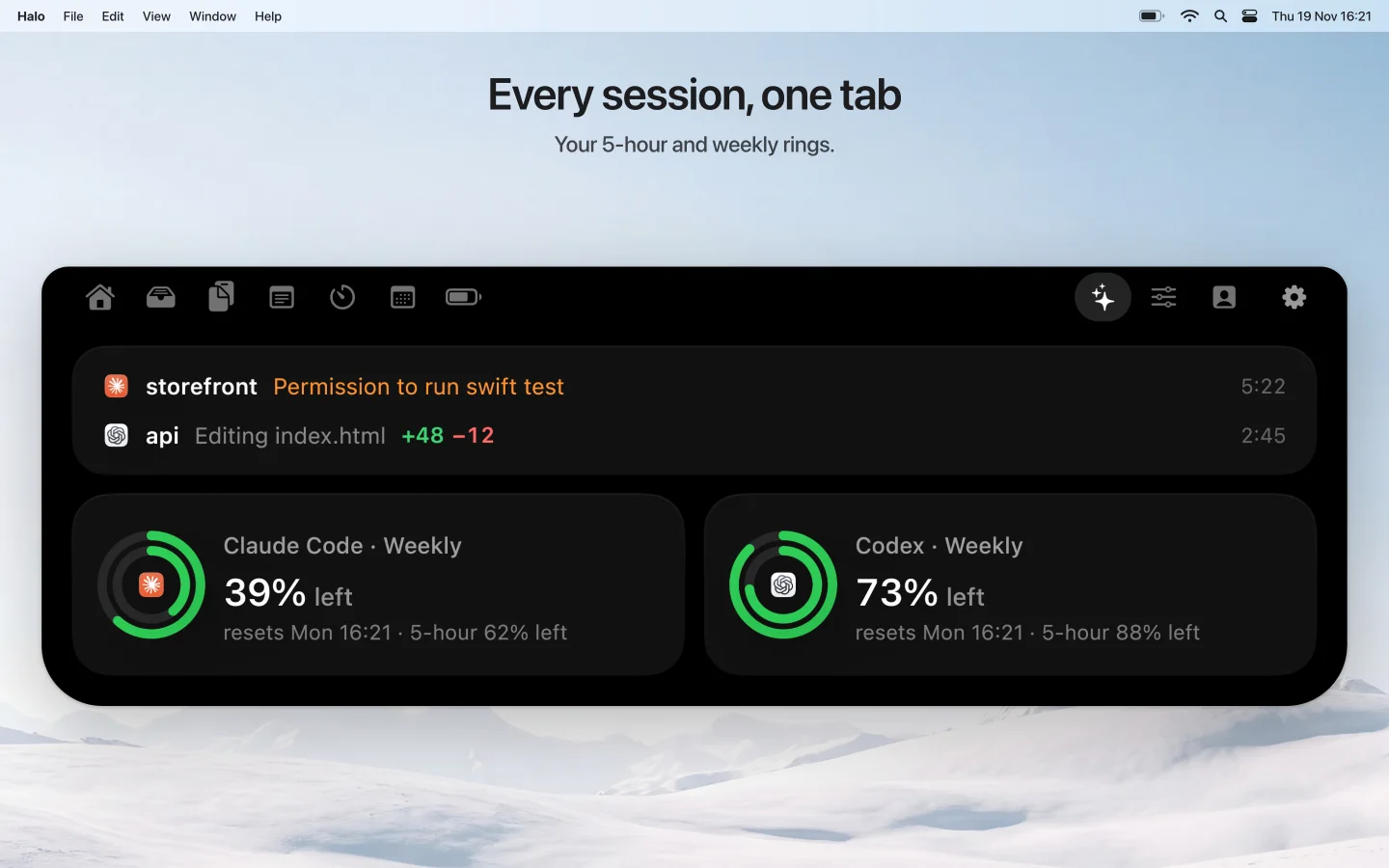
osascript -e 'tell application "System Events" to tell process "MyApp" to set size of window 1 to {1440, 900}'Most apps look better smaller and placed on a 2880 × 1800 canvas with a headline above. That is how the examples on this page are made.
2. Capture the window, without its shadow
screencapture -x -o -w window.pngClick the window. -o leaves out the drop shadow and -x turns off the camera sound. Put your app in a real state with real-looking data first: a focused window, nothing loading.
3. Remove the transparency
Window captures keep their rounded corners see-through, and App Store Connect refuses any image with an alpha channel. Place the window on an opaque 2880 × 1800 background, or export it as JPEG, which has no alpha.
4. Check the file before you upload
sips -g pixelWidth -g pixelHeight -g hasAlpha window.pngYou want one of the four sizes and hasAlpha: no.
What a good Mac screenshot shows
- The app in use. App Store Review Guideline 2.3.3 asks for the app in use, not a splash screen, and allows text and image overlays on top.
- One benefit per screenshot, in a short headline, with the part of the UI it talks about large enough to read.
- The first screenshot carries the main point. Many people never look past it.
- Light, calm backgrounds keep a Mac window readable; the window's real chrome shows it's a Mac app.
Questions
What size are Mac App Store screenshots?
16:10, exactly 1280 × 800, 1440 × 900, 2560 × 1600 or 2880 × 1800 pixels.
Can I use 1920 × 1080?
No. 1920 × 1080 is 16:9. Mac screenshots must be one of the four 16:10 sizes.
Why is my screenshot rejected at the right size?
Usually because the PNG has an alpha channel. A window capture keeps its rounded corners see-through. Put the window on an opaque background or export as JPEG.
How many screenshots can a Mac app have?
At least 1 and up to 10.
Can screenshots have text on them?
Yes. Guideline 2.3.3 asks that they show the app in use, and allows text and image overlays on top of it.
Gold Master Kit
Skip the canvas work
Gold Master Kit captures your Mac app, puts it on a 2880 × 1800 canvas with a headline, removes the alpha channel and checks every file. Coming soon.
Learn more ›