Halo
 Shedi
 Gold Master Kit
Claude Code
17 Best Claude Code Skills in 2026, With Every Repo Checked
The best Claude Code skills in 2026 are Gold Master Kit for launching an app (screenshots, link previews, launch posts, a film and a landing page), Dashboard Design for numbers pages, Superpowers and Matt Pocock's skills for planning and testing, Anthropic's own skills for Word, PDF, slides and spreadsheets, claude-mem for memory between sessions, Caveman for spending fewer tokens, and Taste Skill and Emil Kowalski's skills for design. Most are free and open source. You install them with one line inside Claude Code.
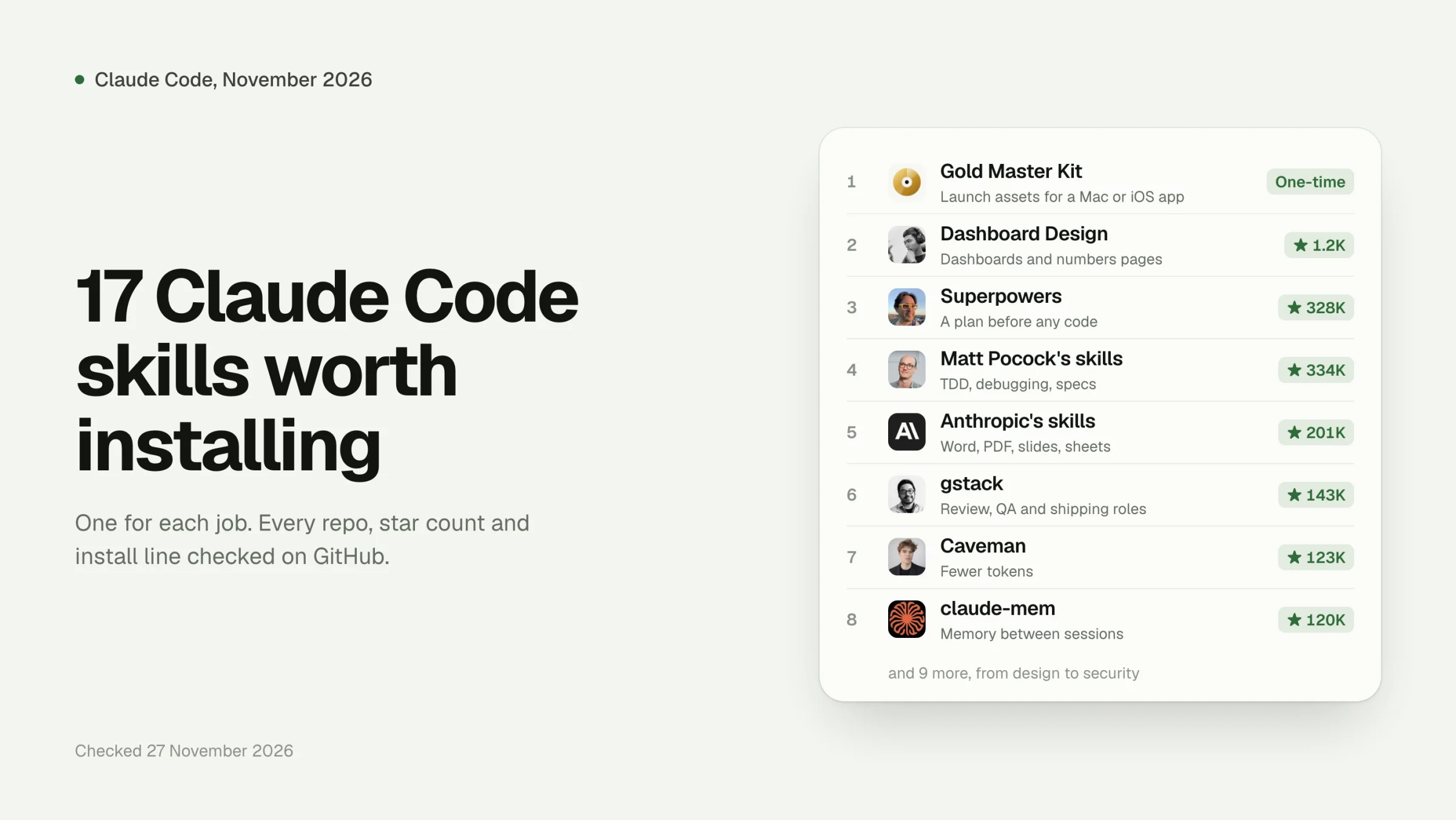
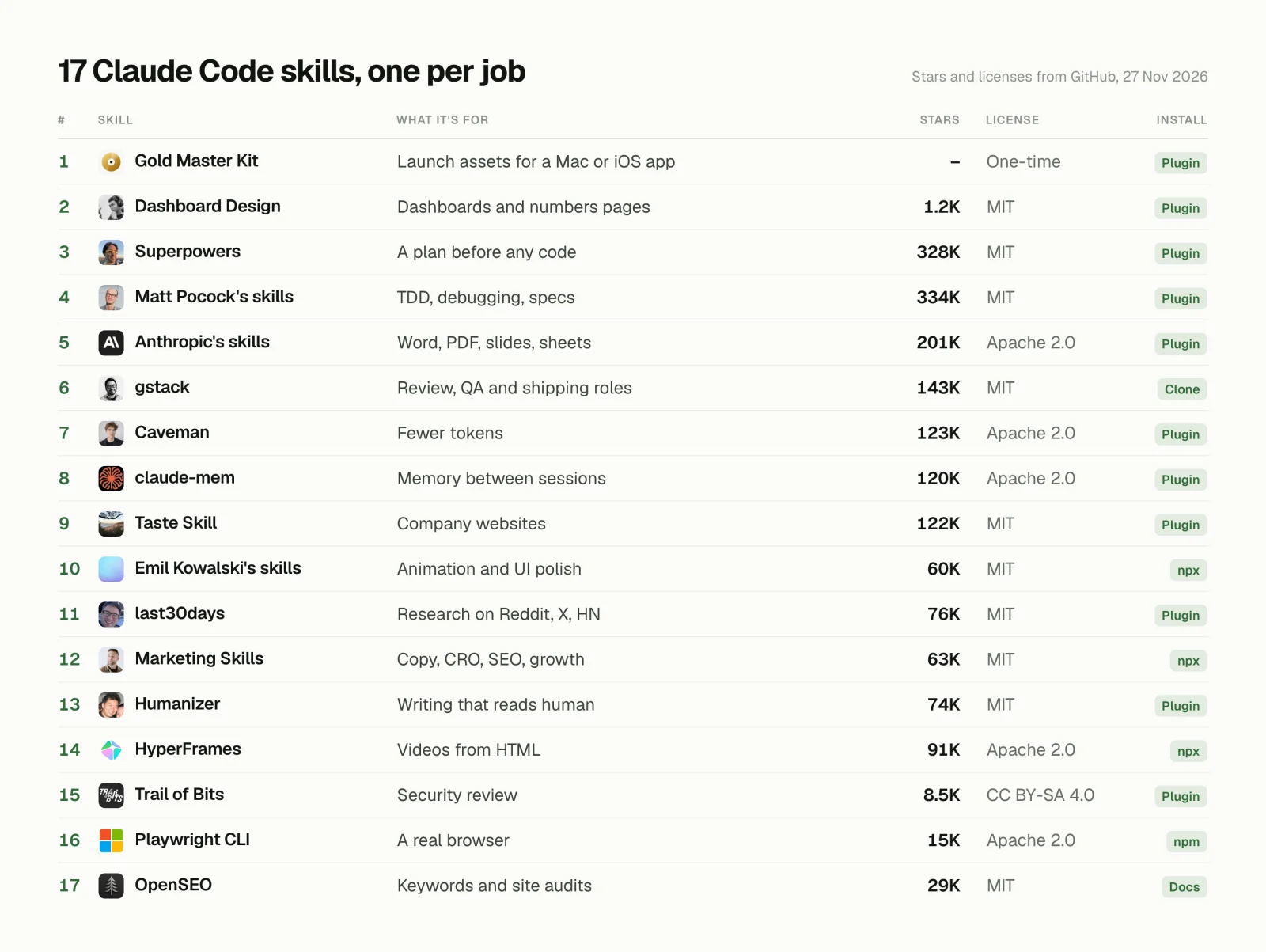
There are thousands of skill repos on GitHub now, and most of them are a single Markdown file nobody updates. I picked 17 that cover a different job each, then had Claude pull the numbers for every repo from GitHub's API on 27 November 2026: stars, license and the last time anyone pushed to it. Claude also read each README for the install line and what the skill actually does. Where one is installed on my own Mac, I say so. Where it isn't, I'm going by its README.
Every one of these was updated in November, so none of them is a dead repo.
Before you install anything
Skills are cheap to add and easy to forget about. Four things I'd check first:
- Install fewer. Every skill adds a description Claude reads at the start of a session, and two skills that do the same job will argue over who handles it. Pick two or three for the work you're doing this month.
- Plugin or copy. A plugin from
/plugin installupdates itself.npx skills addcopies the files into your project, and you update them by hand. - Don't install the same thing twice. Matt Pocock's README warns that installing his skills both ways gives you every skill twice. When I checked my own Mac for this post, that's exactly what I had, and Superpowers was there from two marketplaces as well.
- Read the SKILL.md. It's a plain text file. Two minutes tells you what it will run on your machine and whether it calls a paid API.
1. Gold Master Kit: launch week for a Mac or iOS app
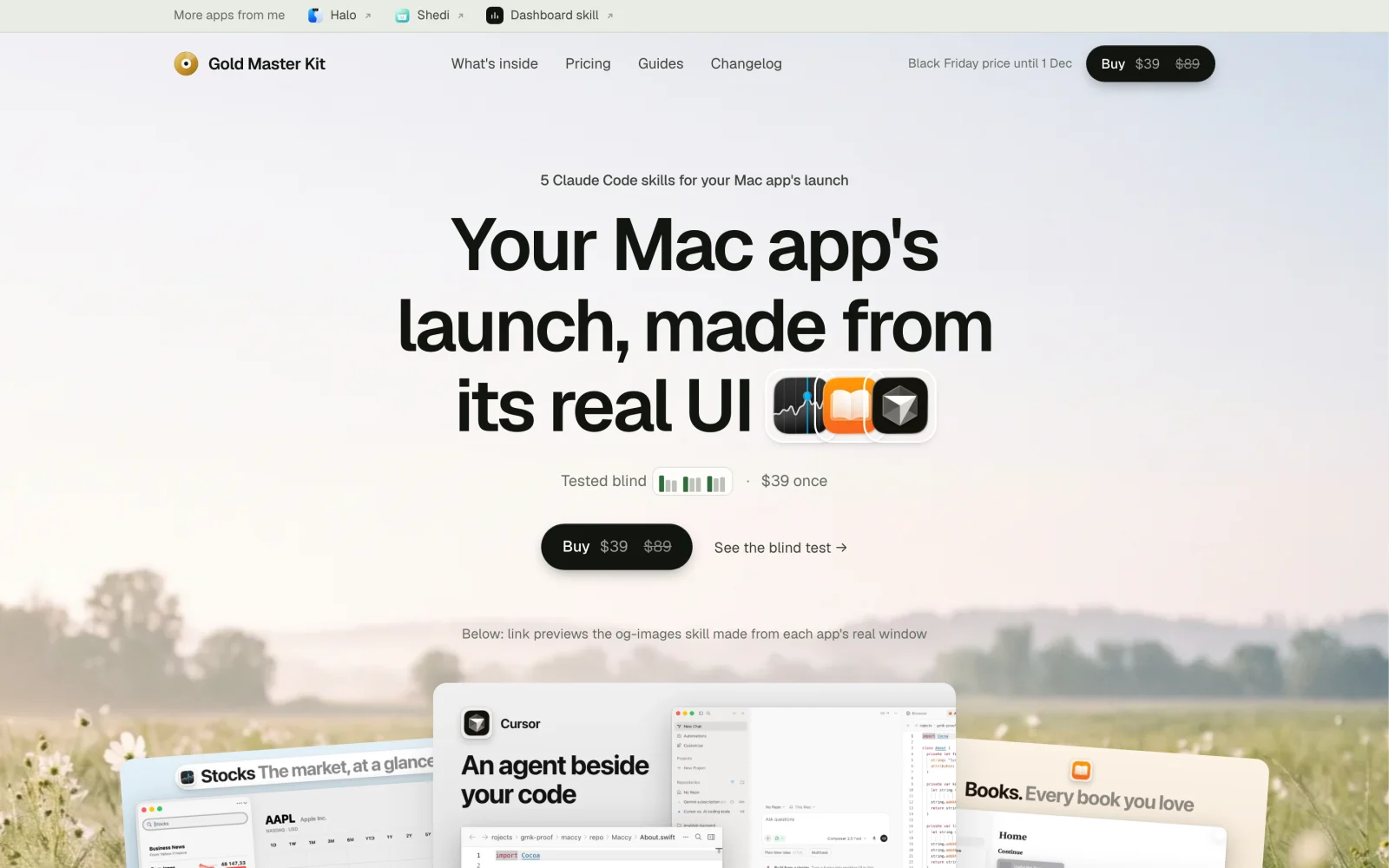
Gold Master Kit is five skills for the work that comes after the app is done: App Store screenshots at the exact sizes Apple accepts, link previews and an X header, launch posts for Product Hunt, X, Threads and Reddit, a short launch film, and a landing page. Every one is made from your app's real UI, and every one runs its own checks before it says it's finished.
It was tested blind against the apps' own App Store screenshots on NetNewsWire, CotEditor and Maccy, and won all three. It's $39 once until 1 December, then $89, with every update included. The link-preview skill is free on its own as og-images.
Install: /plugin install gold-master-kit --marketplace goldmasterkit/gold-master-kit
Using ParthJadhav's App Store screenshots skill? Gold Master Kit covers the screenshots and the four other launch assets.
2. Dashboard Design: numbers pages that don't lie
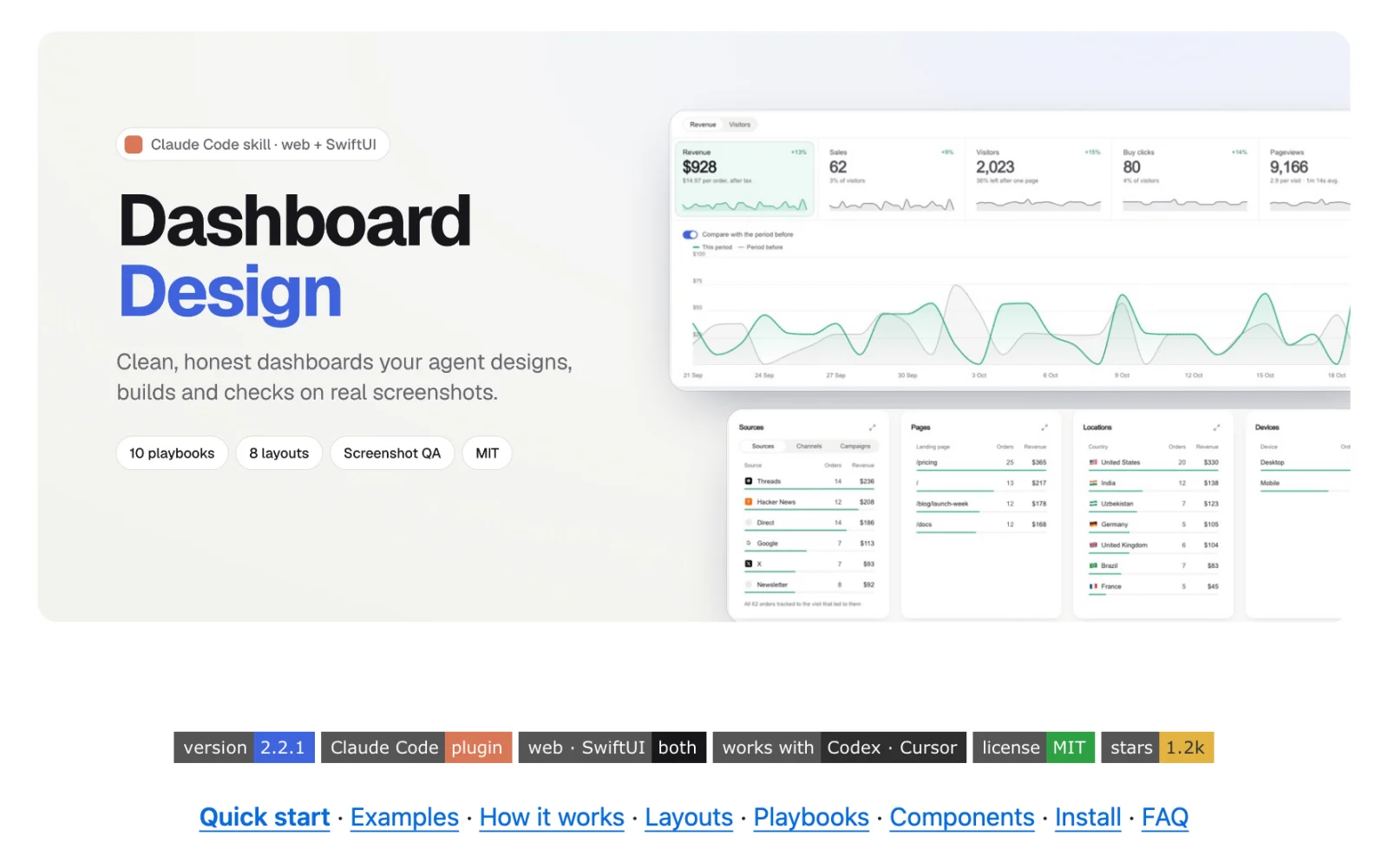
Ask Claude for a dashboard and you get six KPI cards with green arrows and a line chart nobody asked for. Dashboard Design teaches it what good ones do instead: totals that add up, a comparison period on every number, date pickers, ranked lists, empty and loading states, and a screenshot check at the end. It was distilled from 127 shipped dashboards and works for the web and SwiftUI.
It's free and MIT licensed, with 1,208 stars.
Install: /plugin marketplace add abdiraimov-otabek/dashboard-design-skill then /plugin install dashboard-design@dashboard-design-skill
github.com/abdiraimov-otabek/dashboard-design-skill
3. Superpowers: a plan before any code
Superpowers stops Claude from jumping straight into code. It asks what you're really trying to build, shows you the spec in chunks short enough to read, writes an implementation plan, and then runs it task by task with subagents that review each other's work. Test-driven development, YAGNI and a "verify before you say it's done" step are built in. The README says it's common for an agent to work for a couple of hours on its own without drifting from the plan.
I planned my content bot with it, from the first spec to the last task. It's MIT licensed with about 328,000 stars, and it's in Anthropic's official plugin marketplace.
Install: /plugin install superpowers@claude-plugins-official
4. Matt Pocock's skills: small habits for real engineering
Matt Pocock's set is the opposite of Superpowers in one way: no big process, just small skills you call when you need them. /tdd builds a feature one red-green-refactor slice at a time, /diagnosing-bugs runs a proper debugging loop, /grill-with-docs asks you hard questions about a plan, and /to-spec and /to-tickets turn a conversation into issues. There's a code review skill too.
It sits on my Mac next to Superpowers. It's MIT licensed, with about 334,000 stars, the most of anything here.
Install: claude plugin install mattpocock-skills@claude-plugins-official, then run /setup-matt-pocock-skills once.
Using Superpowers already? You can keep both, but pick one to own planning.
5. Anthropic's skills: Word, PDF, slides and spreadsheets
This is Anthropic's own repo, and it includes the skills that power Claude's file creation in the app: docx, pdf, pptx and xlsx. With them installed, Claude Code can fill PDF forms, edit a Word file with tracked changes or build a spreadsheet with working formulas. The same repo has frontend-design, webapp-testing, mcp-builder, and skill-creator, which helps you write and test your own skills.
The skills are Apache 2.0, and the repo has about 201,000 stars. Anthropic labels them examples, so expect them to differ a little from what Claude does in the app.
Install: /plugin marketplace add anthropics/skills then /plugin install document-skills@anthropic-agent-skills
6. gstack: a review team for one person
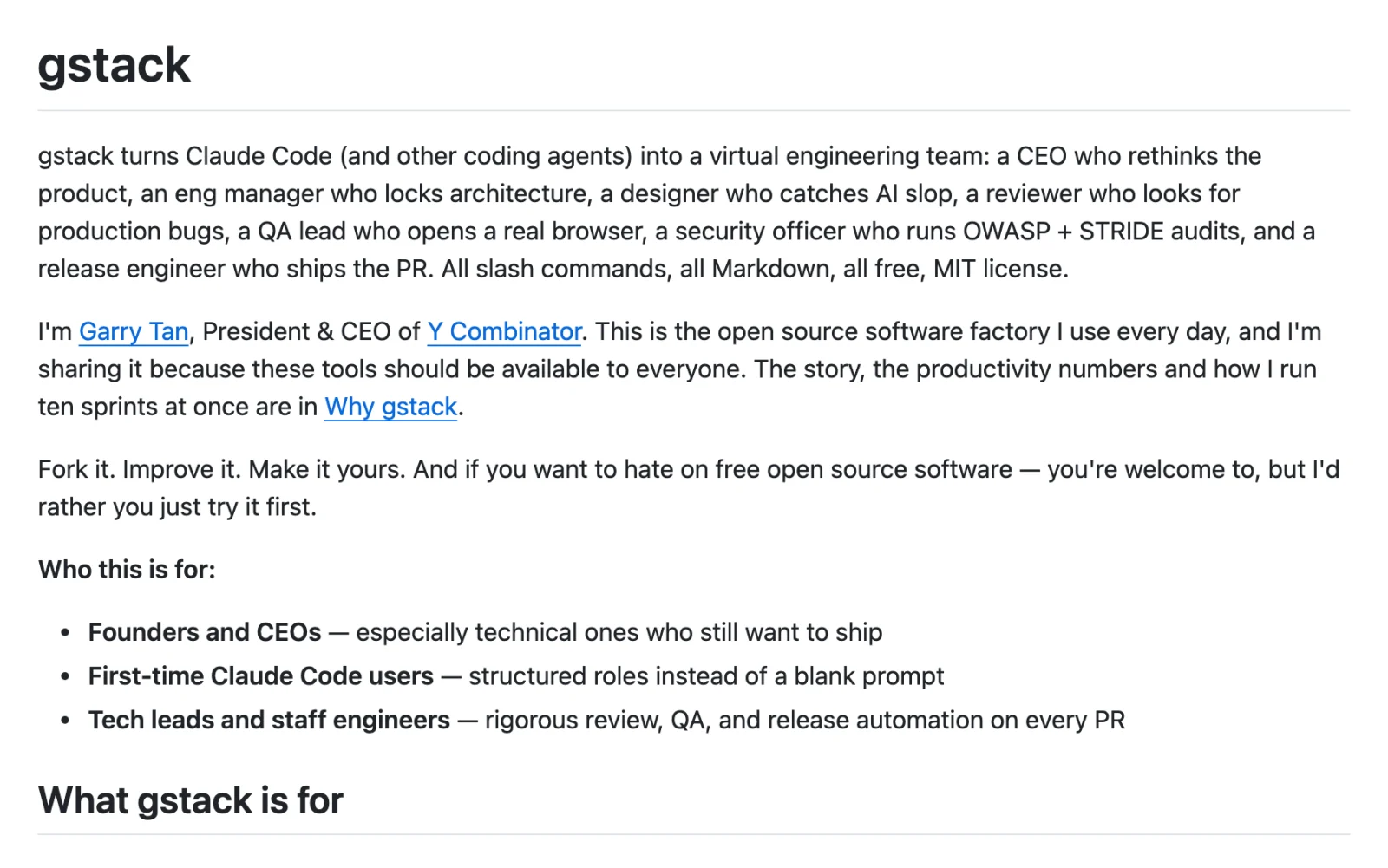
gstack is Garry Tan's Claude Code setup, released as open source. It gives you roles: /office-hours pushes back on your idea and writes a design doc, /review reads a diff for bugs tests miss, like race conditions and N+1 queries, /qa opens a real browser and reproduces bugs, and /gstack-ship puts the tests and the review on the pull request.
The README is unusually honest about one thing. In a November test on 100 everyday GitHub tasks, Claude fixed 58 with gstack and 61 of 99 without it. So it won't make Claude fix more bugs. What it gives you is the review and the paper trail. MIT, about 143,000 stars.
Install: clone it into ~/.claude/skills/gstack and run ./setup (the README has the exact line to paste into Claude Code).
7. Caveman: fewer tokens, same code
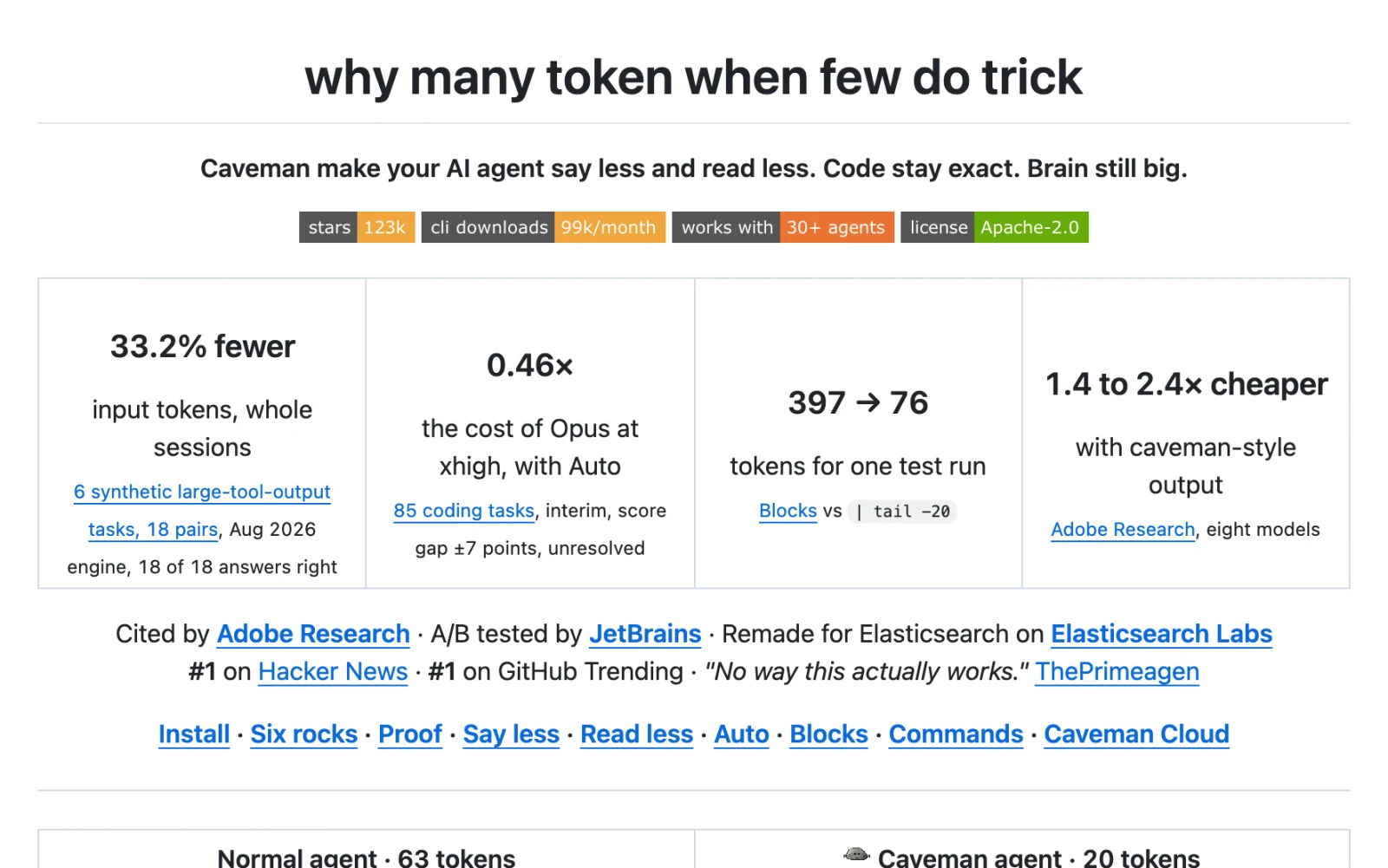
Caveman makes Claude answer in short fragments while keeping code exact. Its README shows the same React fix going from 63 tokens to 20. Version 4 goes further: it shrinks logs, JSON and test output before the model reads them, which it measured at 33% fewer input tokens per session on synthetic tasks, and it can pick the model and effort for each ask.
If you hit your plan's limits by Wednesday, start here. Apache 2.0, about 123,000 stars.
Install: /plugin marketplace add JuliusBrussee/caveman then /plugin install caveman@caveman
github.com/JuliusBrussee/caveman
8. claude-mem: memory between sessions
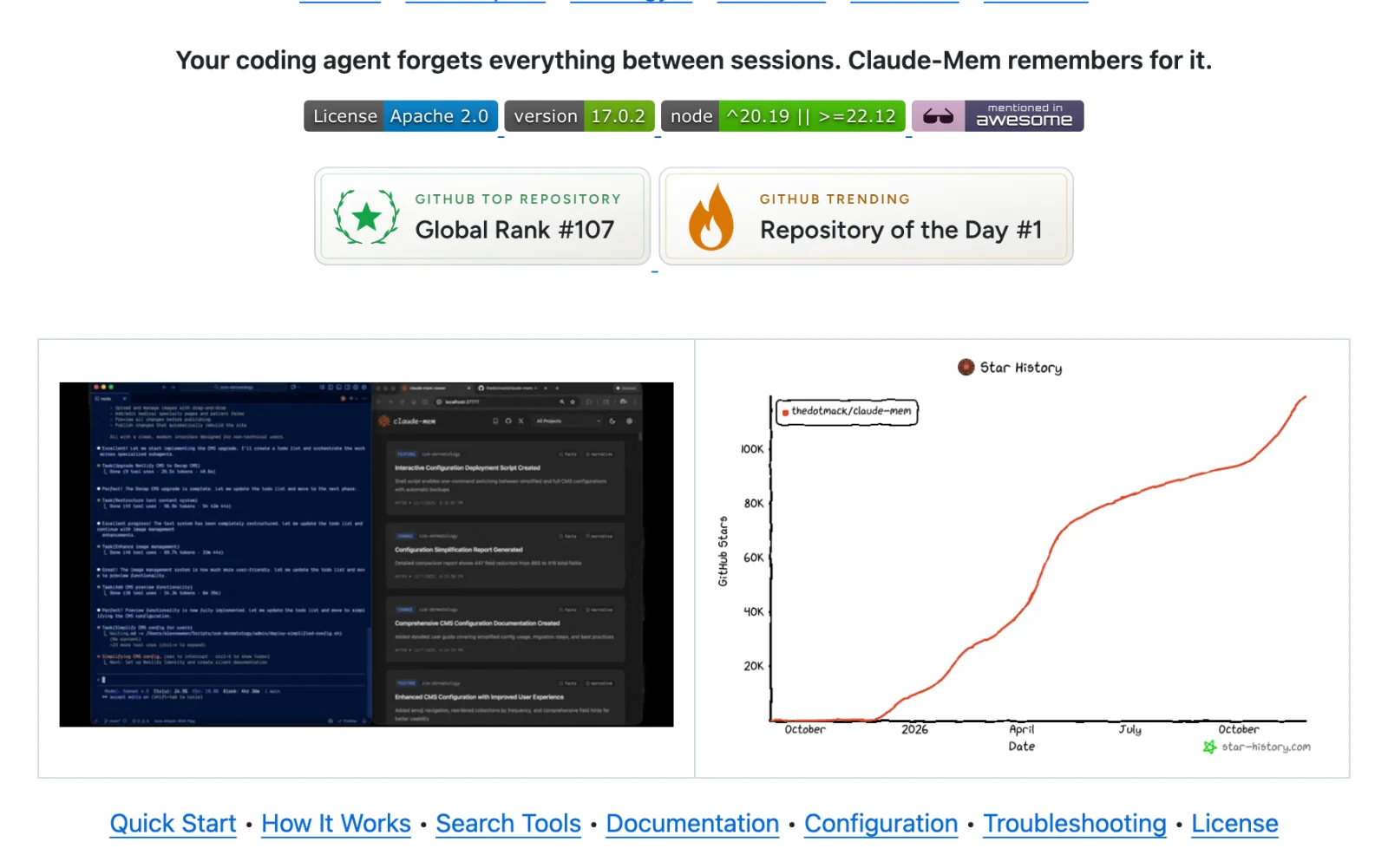
Every new Claude Code session starts from zero. claude-mem runs a second agent next to it that takes notes while you work, then opens the next session with a short index of what happened before and pulls in details only when it needs them. You can search your whole project history, and there's a local web viewer to see what it saved.
I've had it on since September, and it's how a new session knows what I shipped the day before. Apache 2.0, about 120,000 stars.
Install: /plugin marketplace add thedotmack/claude-mem then /plugin install claude-mem
github.com/thedotmack/claude-mem
9. Taste Skill: company sites that don't look generated
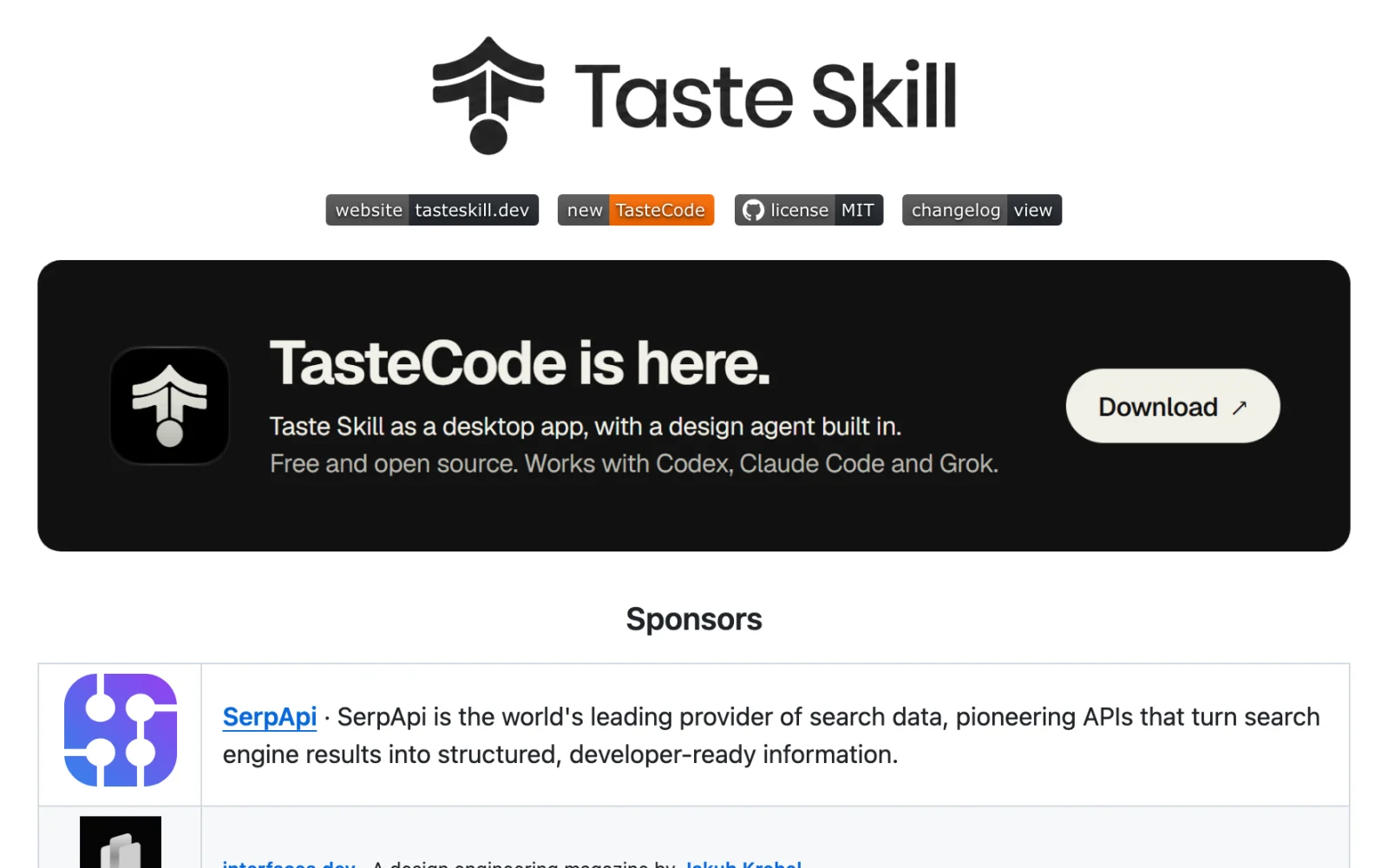
Taste Skill is for when you want a real company website and not the purple-gradient page every agent makes. It deals a palette and a font pairing for your kind of business, starts from one design system, uses real product UI and credited photographs, and then checks the page in headless Chrome at five widths from desktop to phone before handing it over.
It needs Node 22 and Chrome on your machine. MIT, about 122,000 stars.
Install: /plugin marketplace add Leonxlnx/taste-skill then /plugin install taste-skill@taste-skill
github.com/Leonxlnx/taste-skill
10. Emil Kowalski's skills: animations that feel right
Emil Kowalski worked on interfaces at Vercel and Linear, and these skills are his rules for motion. Agents pick ease-in for things that should ease-out, animate the wrong properties and make everything a little too slow. emil-design-eng catches that, animate builds a new animation with the right curve and duration, and review-animations and improve-animations audit the ones you have. There's a React Native and Expo version too.
emil-design-eng is one of the few skills I keep installed globally. MIT, about 60,000 stars.
Install: npx skills@latest add emilkowalski/skills
github.com/emilkowalski/skills
11. last30days: what people actually said this month
last30days researches a topic across Reddit, X, YouTube, TikTok, Hacker News, Polymarket and GitHub over the last 30 days, and ranks what it finds by upvotes, likes and engagement instead of by what an editor picked. Reddit, Hacker News, Polymarket and GitHub work with no setup, and a short wizard adds the rest.
It's the fastest way I know to find the complaints people actually have about a tool. MIT, about 76,000 stars.
Install: /plugin marketplace add mvanhorn/last30days-skill then /plugin install last30days
github.com/mvanhorn/last30days-skill
12. Marketing Skills: copy, CRO and growth
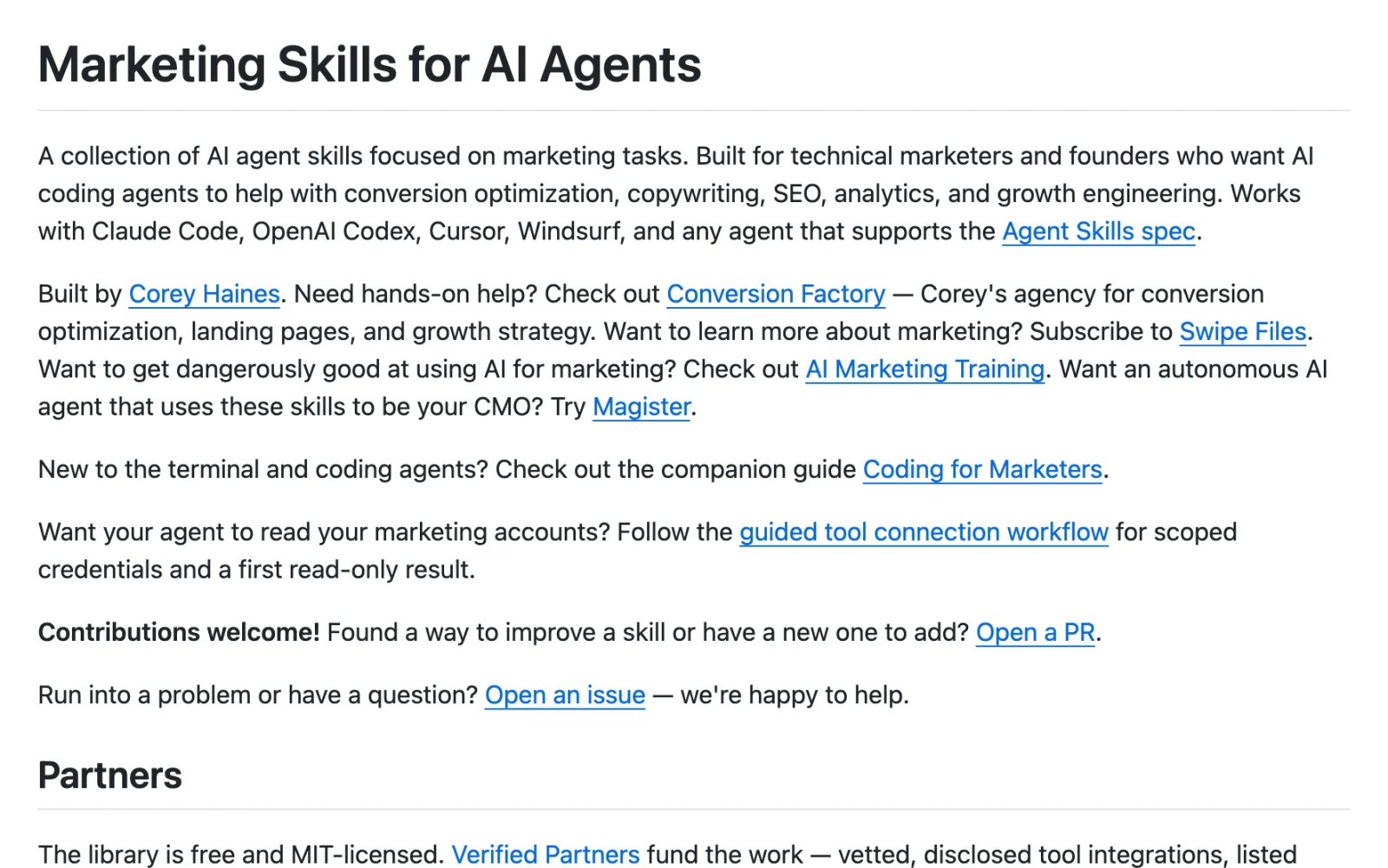
Corey Haines' set has more than 50 marketing skills: conversion rate optimization, copywriting, SEO, analytics, pricing pages, emails. They share one product-marketing skill that every other one reads first, so you describe your product and audience once.
It's free and MIT, with about 63,000 stars. The README lists paid partner tools next to free ones, and says the partners don't change what the skills recommend. You can install only the parts you want.
Install: npx skills add coreyhaines31/marketingskills --skill cro copywriting
github.com/coreyhaines31/marketingskills
13. Humanizer: writing that doesn't read like AI
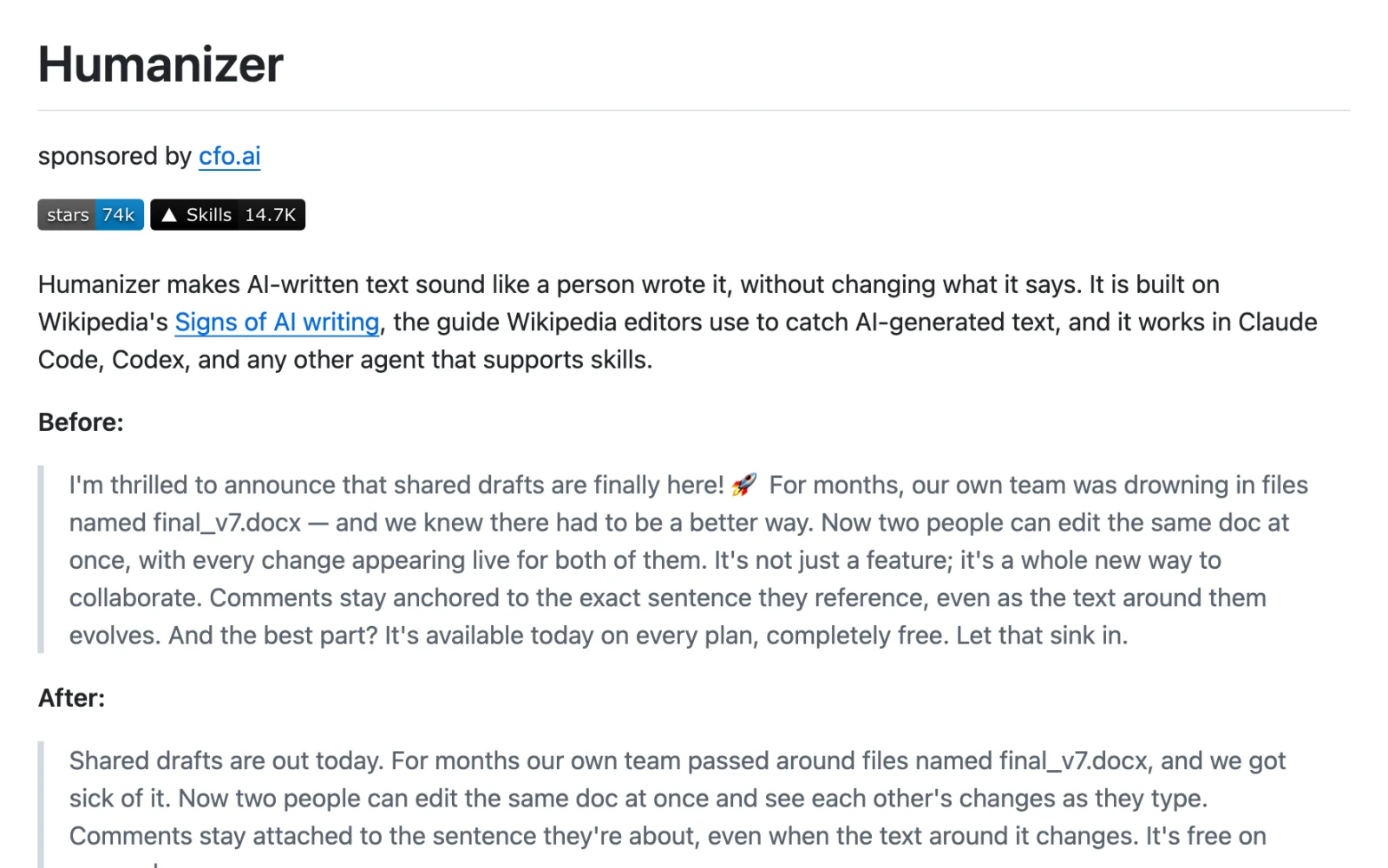
Humanizer rewrites text so it sounds like a person wrote it, without changing what it says. It's built on Wikipedia's guide to spotting AI writing and checks for 26 patterns, like "it's not just X, it's Y", one-line closers such as "Let that sink in", and the "Here's the thing" run-up. In a blind test, judges preferred its rewrite over the original 16 times out of 16.
It says plainly that it isn't trying to beat AI detectors, which still flag most of what it writes. MIT, about 74,000 stars.
Install: /plugin marketplace add blader/humanizer then /plugin install humanizer@humanizer, and run /humanizer.
14. HyperFrames: videos from HTML
HyperFrames is HeyGen's open source video framework. Claude writes the video as HTML, CSS and animations, and HyperFrames renders it to an MP4 that comes out the same every time. It's good for product demos, captions on your own clips, chart animations and changelog videos with animated code diffs.
The framework is free and Apache 2.0, with about 91,000 stars. There's also a Studio app with a free plan and a $25 a month Pro plan, but you don't need it to use the skills.
Install: npx skills add heygen-com/hyperframes
Using Remotion? HyperFrames does the same job in plain HTML.
github.com/heygen-com/hyperframes
15. Trail of Bits: security review from a security firm
Trail of Bits audits code for a living, and this marketplace is 47 of their plugins: static analysis, writing Semgrep rules, reviewing a diff for security, checking your dependencies for supply chain risk, finding insecure defaults, property-based and mutation testing, and more. Install the marketplace, then pick only what fits your stack.
It's licensed CC BY-SA 4.0, with about 8,500 stars. Fewer stars than the rest, but it's the only set here written by people who do security audits for a living.
Install: /plugin marketplace add trailofbits/skills then /plugin menu
16. Playwright CLI: a real browser for Claude
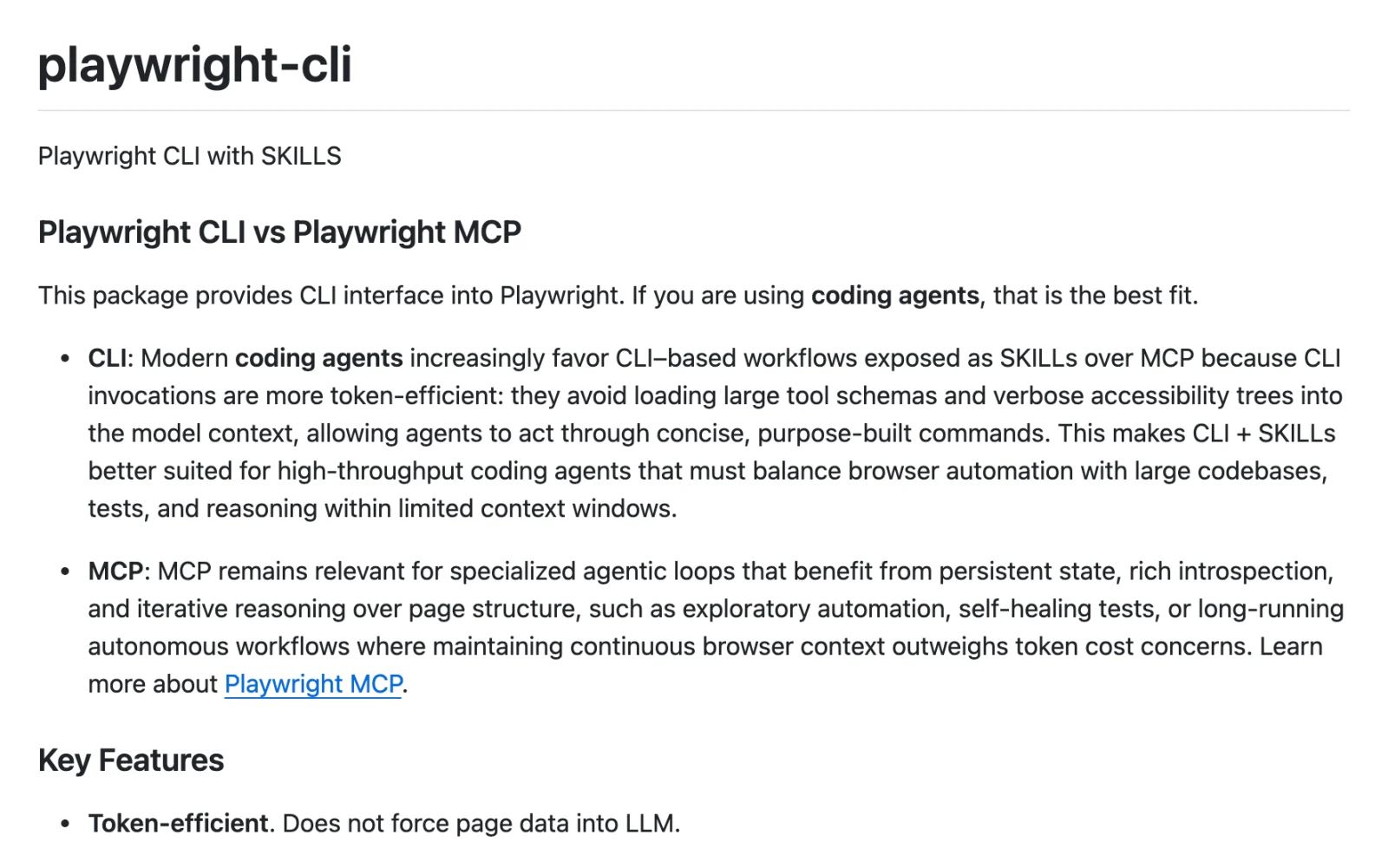
Microsoft's Playwright CLI lets Claude open a browser, click, fill forms, take screenshots and record what it did as Playwright test code. It ships its own skills, and the README makes the case that a CLI costs fewer tokens than the Playwright MCP server, because Claude doesn't have to load every tool schema up front.
Apache 2.0, about 15,000 stars.
Install: npm install -g @playwright/cli@latest, then playwright-cli install --skills
Using the Playwright MCP? The CLI does the same work with less context.
github.com/microsoft/playwright-cli
17. OpenSEO: keyword research and audits without Semrush
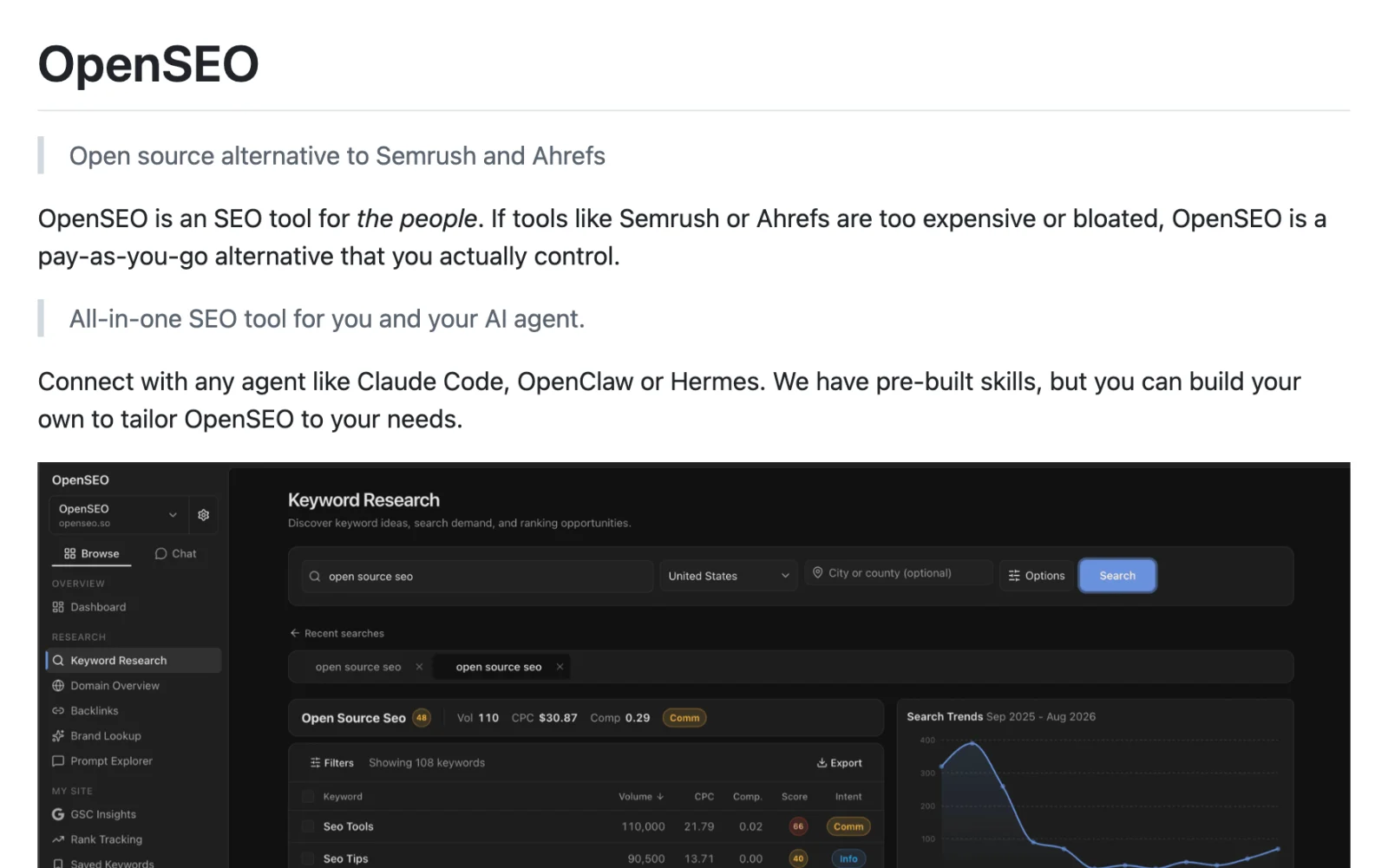
OpenSEO is an open source alternative to Semrush and Ahrefs, with skills and an MCP server so Claude can use it directly: keyword research, rank tracking, backlinks, competitor pages, site audits and how often AI answers mention you. You can self-host it with your own DataForSEO key and pay only for what you use, or use the hosted version at $10 a month.
I use it for my own sites. MIT, about 29,000 stars.
Install: see openseo.so/docs/skills/setup
Paying for Semrush or Ahrefs? OpenSEO covers the parts most indie developers use.
Frequently asked questions
What is a Claude Code skill?
A folder with a SKILL.md file of instructions, and sometimes scripts. Claude reads the short description of every installed skill and loads the full instructions only when the task matches, so a skill costs very little until it's used.
How do I install a Claude Code skill?
Most install as plugins with /plugin marketplace add owner/repo and then /plugin install. Others use npx skills add owner/repo, which copies the files into your project. Start a new session afterwards so Claude sees them.
How many skills should I install?
Fewer than you think. Two or three for the work you're doing now is plenty. Skills that overlap, like two planning systems, compete for the same tasks.
Are Claude Code skills safe?
A skill can run scripts on your machine, so treat it like any other code you download. Read the SKILL.md and any scripts it calls, and prefer repos that are maintained and widely used.
Do these work with Codex or Cursor?
Most of them do. Skills follow the open Agent Skills format, and almost every repo above lists install lines for Codex, Cursor and other agents.
Gold Master Kit
Launch week, checked before you see it
Five Claude Code skills for launching a Mac or iOS app: App Store screenshots, link previews, launch posts, a launch film and a landing page, made from your app's real UI. Every one runs its own checks before it says done. $39 once until 1 December (Black Friday and launch week), then $89.